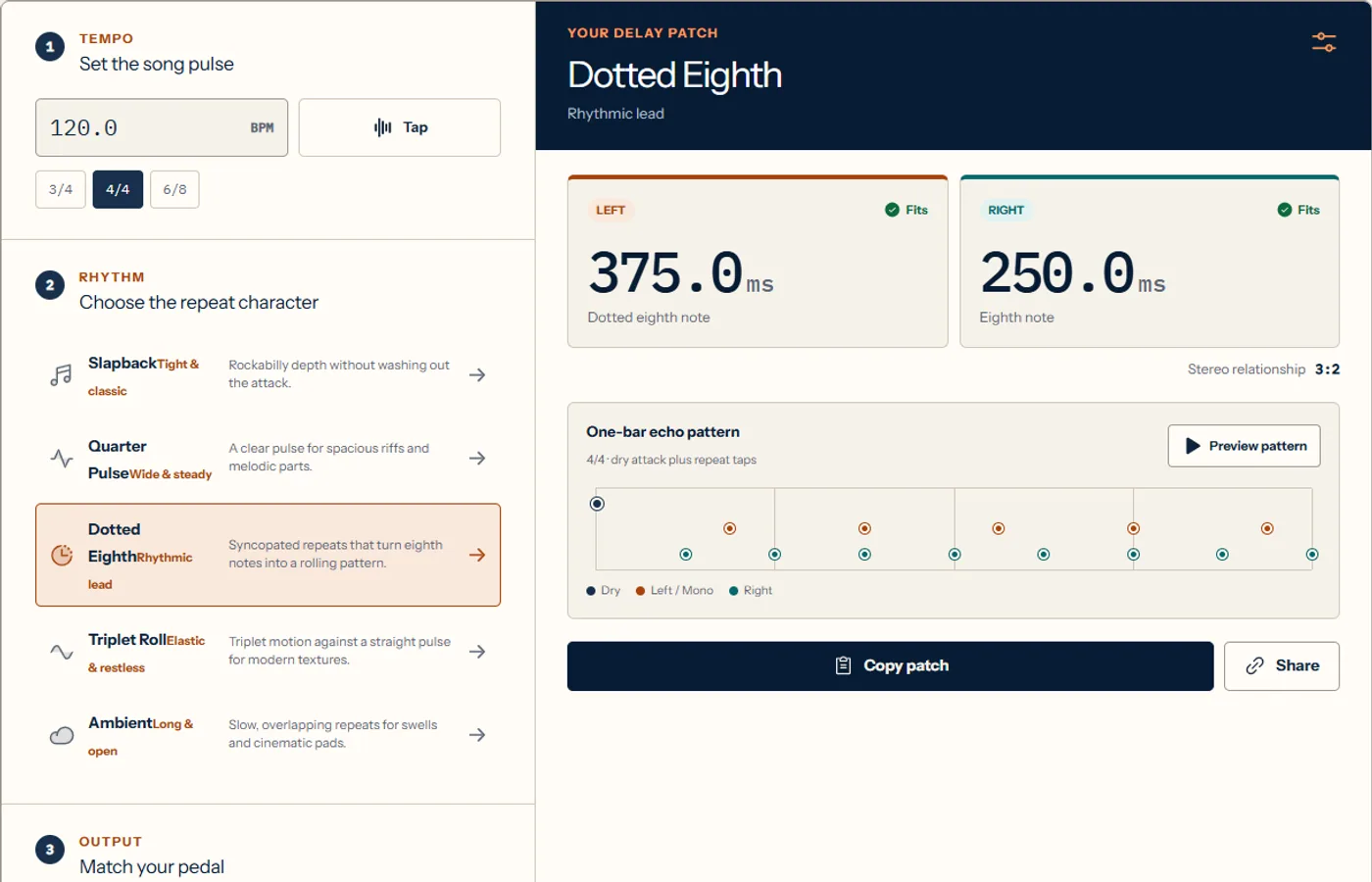
Delay problems usually appear after the calculation, not during it. You can enter the correct BPM and still end up with a cluttered part, two stereo channels that fight each other, or a setting beyond the pedal’s maximum range. This guide uses the calculator as a patch-building tool rather than a number generator. You will choose a subdivision by musical role, translate it into milliseconds, check whether the device can produce it, and listen to the pattern before saving the result. The examples focus on guitar pedals and studio plugins, but the timing relationships apply to any tempo-synced echo.
01
What a practical delay calculator needs
The minimum inputs are tempo and note value. A more useful setup also records meter, mono or stereo output, the relationship between channels, and the device’s maximum delay time. Those details decide whether the result is playable and repeatable.
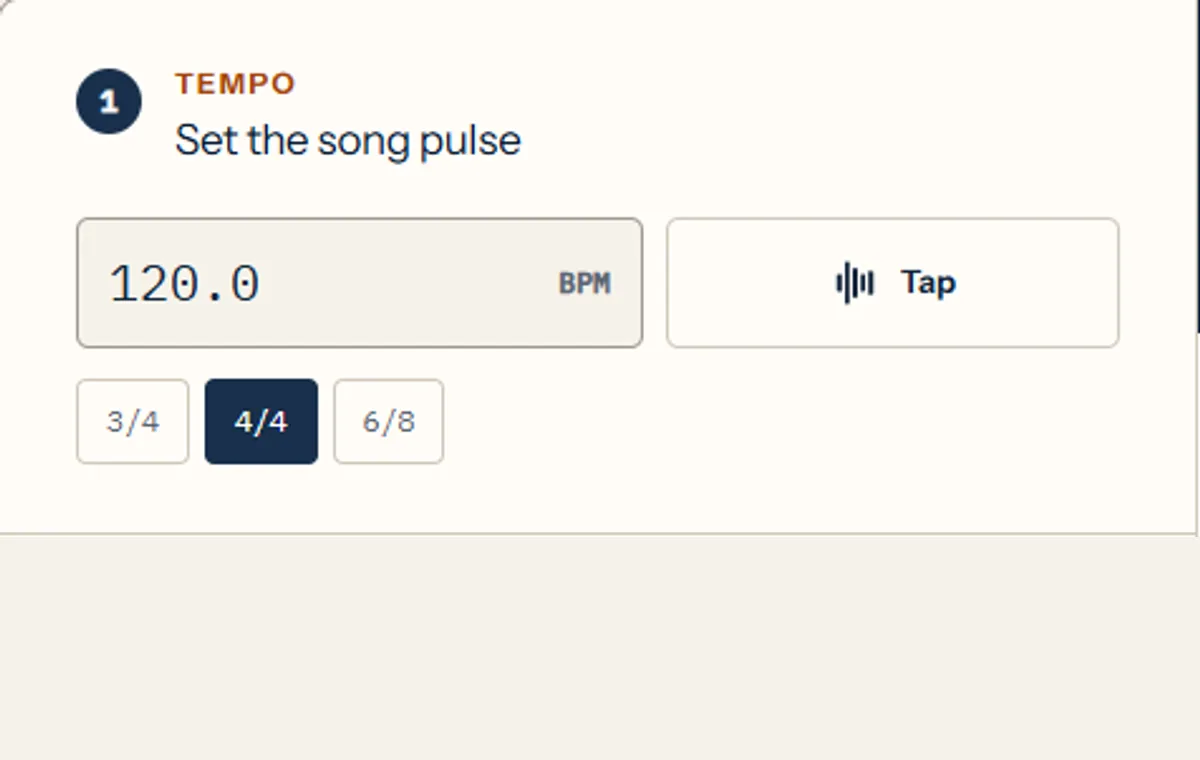
When the song BPM is known, enter it directly. When it is not, Tap Tempo should use several recent intervals and reset after a pause. Two taps can produce a quick estimate, but four or more even taps are more reliable for a drifting performance.
02
Choose the delay by rhythmic job
A quarter-note echo leaves space and reinforces the pulse. An eighth note adds motion without the strong offbeat pull of a dotted eighth. Triplets create a rolling feel, while shorter sixteenth values can thicken a line until the repeats begin to resemble ambience.
The dotted eighth is popular because each repeat lands three sixteenth notes after the dry attack. Against steady eighth-note picking, the repeats fill the missing sixteenth positions and produce a busier pattern than the player performs.
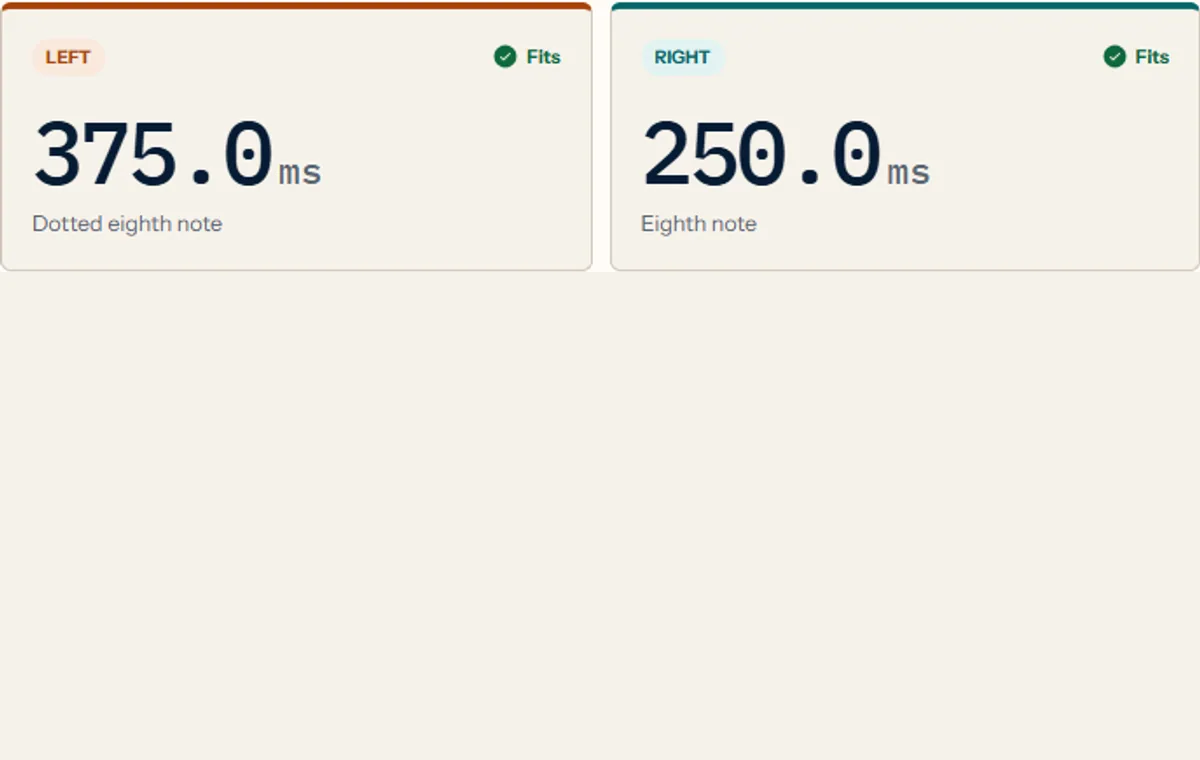
At 120 BPM: quarter = 500 ms · dotted eighth = 375 ms · eighth = 250 ms
| Role | Subdivision | Typical use |
|---|---|---|
| Wide pulse | Quarter note | Slow lead lines and sparse arrangements |
| Interlocking rhythm | Dotted eighth | Picked patterns and rhythmic guitar |
| Tight movement | Eighth note | Faster parts and subtle repeats |
| Rolling repeat | Eighth triplet | Shuffle, triplet, and polyrhythmic feels |
03
Check the pedal or plugin range
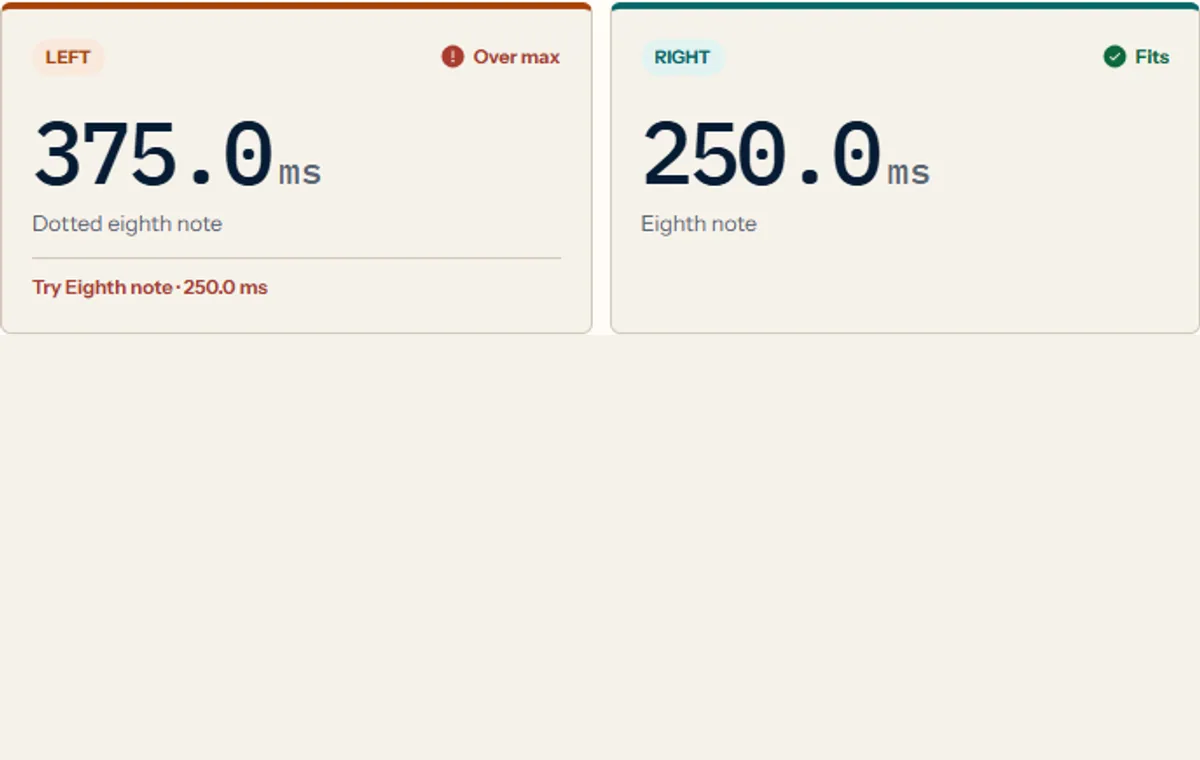
Older digital pedals, compact multi-effects, and some specialized modes have shorter maximum delay times than their headline specification suggests. A low BPM combined with a long subdivision can exceed that range.
Do not simply clamp the number to the maximum. That produces a repeat with no clear musical relationship. Choose a shorter subdivision that keeps the same feel, or double the effective tempo if the part supports that interpretation.
| Subdivision | Calculated time | Result |
|---|---|---|
| Quarter note | 1000 ms | Over limit |
| Dotted eighth | 750 ms | Compatible |
| Eighth note | 500 ms | Compatible |
| Eighth triplet | 333.3 ms | Compatible |
04
Build stereo delay as one relationship
A stereo patch is easier to understand when the channels form a simple musical ratio. A dotted eighth on the left and a quarter note on the right create a 3:4 duration ratio, while the repeat rates form the inverse relationship. Another useful pairing is an eighth note against a dotted eighth.
Keep feedback and mix conservative when both sides are active. Two dense repeat streams can mask the dry signal faster than a single mono delay. Start with one or two clear repeats, then add feedback while listening in the full arrangement.
05
Save a patch you can rebuild later
A screenshot of one number is not enough. Record the BPM, meter, subdivision, exact millisecond value, channel assignment, device mode, feedback, and mix. If the tempo changes later, the note relationship tells you how to recalculate the patch.
A shareable URL is useful for rehearsal notes and remote sessions because it preserves the calculation inputs. Keep the clean calculator URL as the canonical page while the query parameters store the temporary patch state.
Build, preview, copy, and share the complete setting with the Delay Patch Builder instead of saving disconnected numbers.
FAQ
delay time calculator FAQ
What is the formula for delay time?
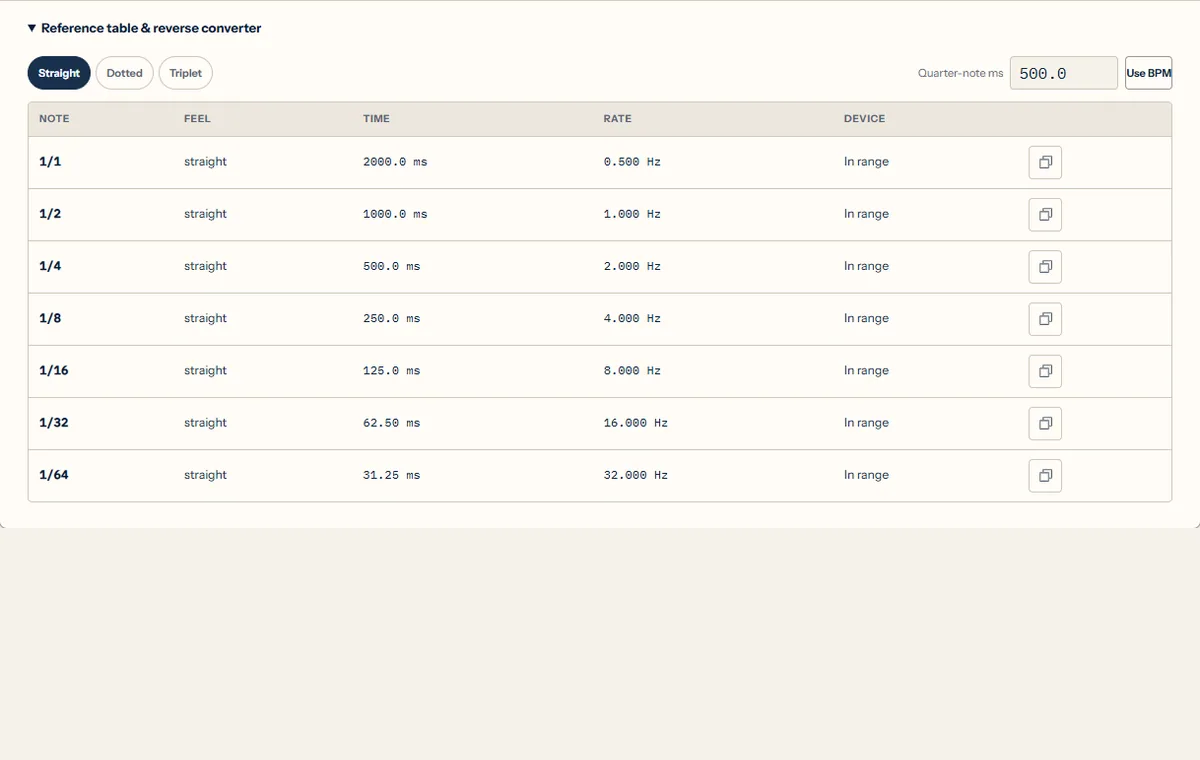
For a quarter note, divide 60,000 by the BPM. Multiply or divide that duration according to the straight, dotted, or triplet subdivision you need.
What delay time should I use at 120 BPM?
Common starting points are 500 ms for a quarter note, 375 ms for a dotted eighth, 250 ms for an eighth note, and about 166.7 ms for an eighth-note triplet.
Why is dotted eighth delay good for guitar?
It places repeats between steady picked notes, creating a denser rhythmic pattern without requiring the player to perform every subdivision.
What if my pedal cannot reach the calculated delay time?
Choose a shorter musical subdivision that fits the available range. Avoid setting the pedal to an arbitrary maximum value with no tempo relationship.
Should stereo delay channels use the same time?
They can, but different related subdivisions usually create a wider and more animated pattern. Keep the relationship simple enough to hear and rebuild.
Next step
Build the rhythm before turning the knobs
Start with the role of the repeat, calculate the subdivision, check both device channels, and hear a complete bar. Once the rhythm works, adjust feedback, mix, tone, and modulation in the real arrangement. That order keeps the patch musical and makes every later change easier to diagnose.
Sources and calculation checks
These references explain the underlying relationships. Our examples are calculation checks, not claims of physical testing or an endorsement by these publishers.
- Our formulas, rounding rules, and reproducible examples
- Tuneform: quarter-note BPM conversion and studio applications
Found a discrepancy? Report the formula, expected result, and steps to reproduce.